Learn To Leap Prototype
🏆 Winner, Outstanding Achievement in Experience Design, UF Digital Worlds 25th Annual Convergence
About this game
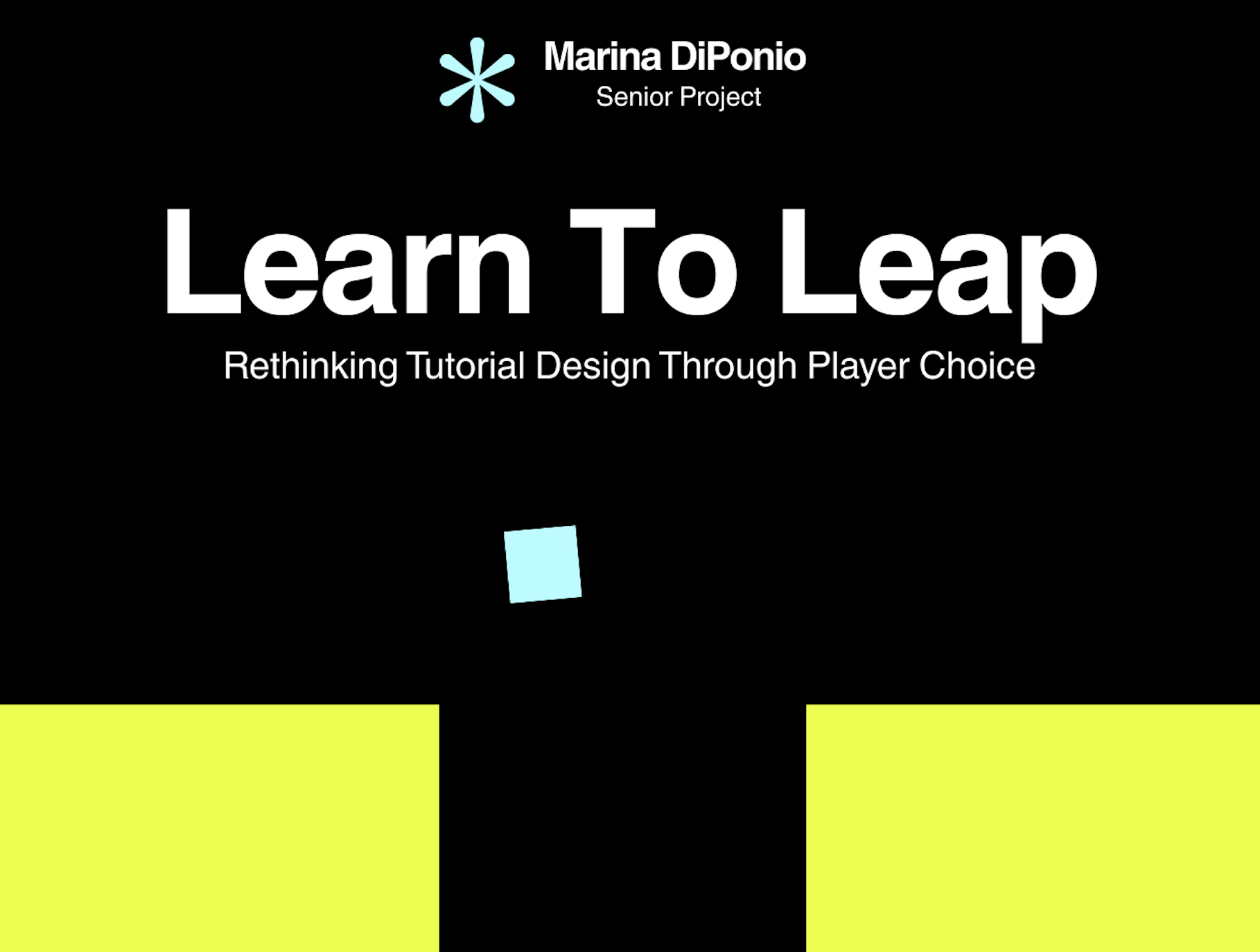
Learn to Leap is a short 2D platformer built around a single challenge: a gap you cannot cross without figuring out the buttons. That's it.
But here's the twist. You get to decide how much the game tells you.
Tap a button and switch between three tutorial states at any time:
Minimal — good luck out there
Guided — a gentle nudge in the right direction
Explicit — full hand-holding, no shame in it
Try one. Try all three. Switch mid-jump if you want to. The game will not judge you (but it might be quietly taking notes).
How to play
Go find out!
A quick note *SPOILER ALERT! PLAY FIRST!*
The jump is different on purpose. This was not an accident. Every single playtester mentioned it, usually while dying. Consider it part of the experience.
Wait, this is a research project?
It is. Learn to Leap is my senior capstone at the Digital Worlds Institute at the University of Florida, investigating the gap between what players say they want from tutorials and what they actually do. The short version of the finding: most players said they wanted more guidance. Most players then spent the majority of their time playing with none at all.
Make of that what you will. Then go play and see which camp you fall into.
I'll leave you with this takeaway: 100% of participants loved having a choice. How about that for a rabbit hole?
More from me
Full case study on Behance: https://www.behance.net/gallery/245484657/Learn-To-Leap
Portfolio and other work: https://marskies.github.io
Built in Unity.
Thanks for playing! Let me know what you think!
Download
Install instructions
Playing on Mac? Please read this first
Learn to Leap is an unsigned indie build, which means macOS will politely refuse to open it and call it "damaged." It is not damaged. Apple just really, really wants developers to pay for a code-signing certificate, and this is a student project, so here we are.
The fix takes about 30 seconds. Here is how:
1. Download and unzip
Download the .zip file and double-click it to unzip. You should now have LearnToLeap.app sitting in your Downloads folder (or wherever you unzipped it).
2. Move the app to a convenient spot
Drag LearnToLeap.app to your Desktop or Applications folder. This isn't strictly required, but it makes the next step easier.
3. Open Terminal
Press Command + Space to open Spotlight, type Terminal, and press Enter.
4. Paste this command
If you put the app on your Desktop, paste this exactly:
xattr -cr ~/Desktop/LearnToLeap.app
If you put it in Applications, use this instead:
xattr -cr /Applications/LearnToLeap.app
Press Enter. If nothing visible happens, that's a good sign it worked.
5. Launch the game
Double-click LearnToLeap.app. It should open normally now.
If you still get blocked
Right-click (or Control-click) the app, choose Open, and click Open in the dialog that appears. You only need to do this once.
What is that command actually doing?
The xattr -cr command clears the "quarantine" tag macOS automatically attaches to files downloaded from the internet. It is not installing anything, it is not touching any other files, and it does not require your password. It only affects the single app you point it at.
Leave a comment
Log in with itch.io to leave a comment.